https://asciinema.org/a/1264451
Copied!
Append ?t=30 to start the playback at 30s, ?t=3:20 to start the playback at 3m 20s.
See sharing docs
for more link customization options.
Embed as image link
Use snippets below to display a preview image linking to this recording.
Ideal for places where scripts are not allowed, such as project README files.
HTML:
<a href="https://asciinema.org/a/1264451" target="_blank"><img src="https://asciinema.org/a/1264451.svg" /></a>
Copied!
Markdown:
[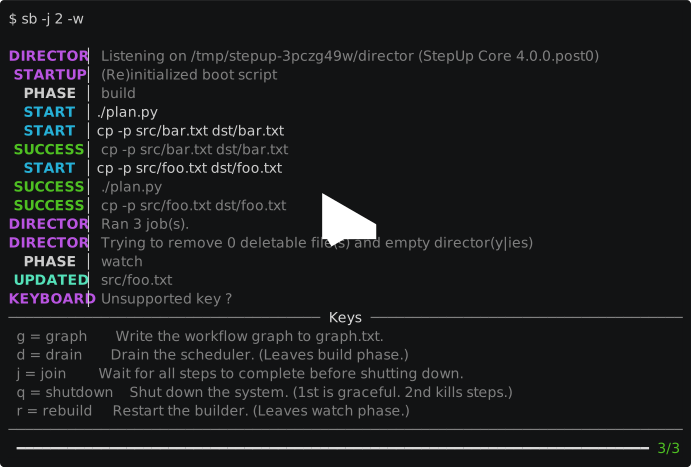](https://asciinema.org/a/1264451)
Copied!
Embed the player
If you're embedding on your own page or on a site which permits script tags,
you can use the full player widget:
<script src="https://asciinema.org/a/1264451.js" id="asciicast-1264451" async="true"></script>
Copied!
Paste the above script tag where you want the player to be displayed on your page.
See embedding docs
for more player customization options.
